Troubleshooting (when something goes wrong)
If something is not working, it is usually not your fault. These tools change often and sometimes they are simply having a bad day.
A small truth
Sometimes the most advanced AI in the world is defeated by... your Wi-Fi.
Problem: 'It will not load'
- Check your internet connection (try opening a normal website).
- Close and reopen the app or browser tab.
- If you are on a browser, refresh the page.
- Try again later (sometimes services have outages).
Problem: 'I cannot sign in'
- Double-check you are using the correct account (email address).
- Use 'Forgot password' if needed.
- If you are on a phone, try signing in on a computer to confirm your password works.
- If you think you installed a fake app, stop and uninstall it. Only use official app store listings.
Problem: 'The answer is wrong or strange'
- Ask it to clarify: 'What assumptions did you make?'
- Give more context: who, what, where, when.
- Ask for a simpler explanation.
- Try the same prompt in the other tool (ChatGPT vs Gemini).
- For important topics: verify using the 3-check method.
Self-check prompt
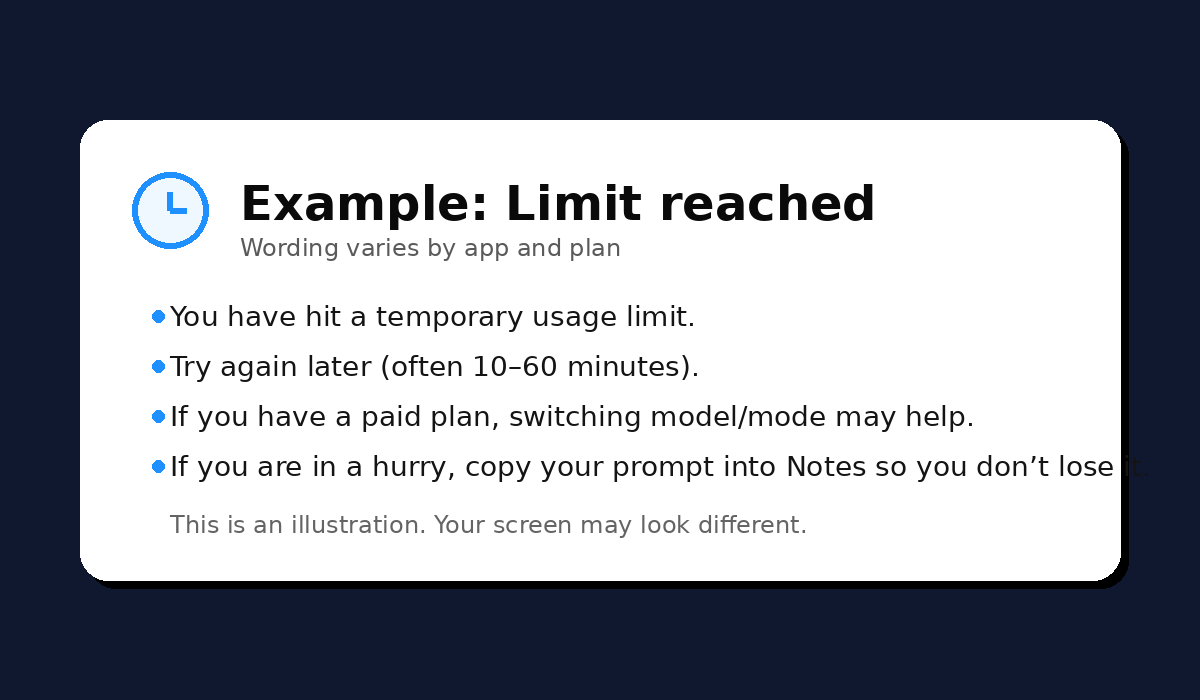
Double-check your answer. List any assumptions you made, and tell me what parts might be wrong. Then give a safer version that avoids guessing.Problem: 'It says I reached a limit'
This is common on free plans and sometimes even on paid plans.
- Wait and try again later (limits usually reset).
- Break your task into smaller chunks.
- Upload fewer files at once.
- If it happens frequently, consider whether a paid plan matches your usage.
Problem: 'It will not let me upload a file'
- Try a smaller file (large PDFs or images can fail).
- Check the file type (PDF, image, and common formats work best).
- If you are on a browser, try another browser.
- If you are on a phone, ensure the app has permission to access photos/files.
Problem: 'Voice is not working'
- Check microphone permission for the app or browser.
- If you are in a noisy place, move somewhere quieter.
- Restart the app.
- Try typing instead as a backup.
Problem: 'The AI is too wordy'
- Reply: 'Answer in 5 dot points.'
- Reply: 'Keep it under 120 words.'
- Reply: 'Use simple language. No jargon.'
- Reply: 'Give the short version first, then ask if I want more.'
Screenshots