Module 1: What is AI (and what is an LLM)?
Before we learn buttons and settings, it helps to know what is actually happening when you type a question into ChatGPT or Gemini. This module explains it in plain English, with zero math and only one mild metaphor.
1.1 AI vs a search engine (why they feel different)
A search engine (like Google) is mainly built to find web pages. You type a query, it gives you links, and you decide what to trust.
A chat-style AI (like ChatGPT or Gemini) is mainly built to generate text (and sometimes images or other media). You type a request, and it generates an answer in a conversational format.
1.2 What does LLM mean?
LLM stands for Large Language Model.
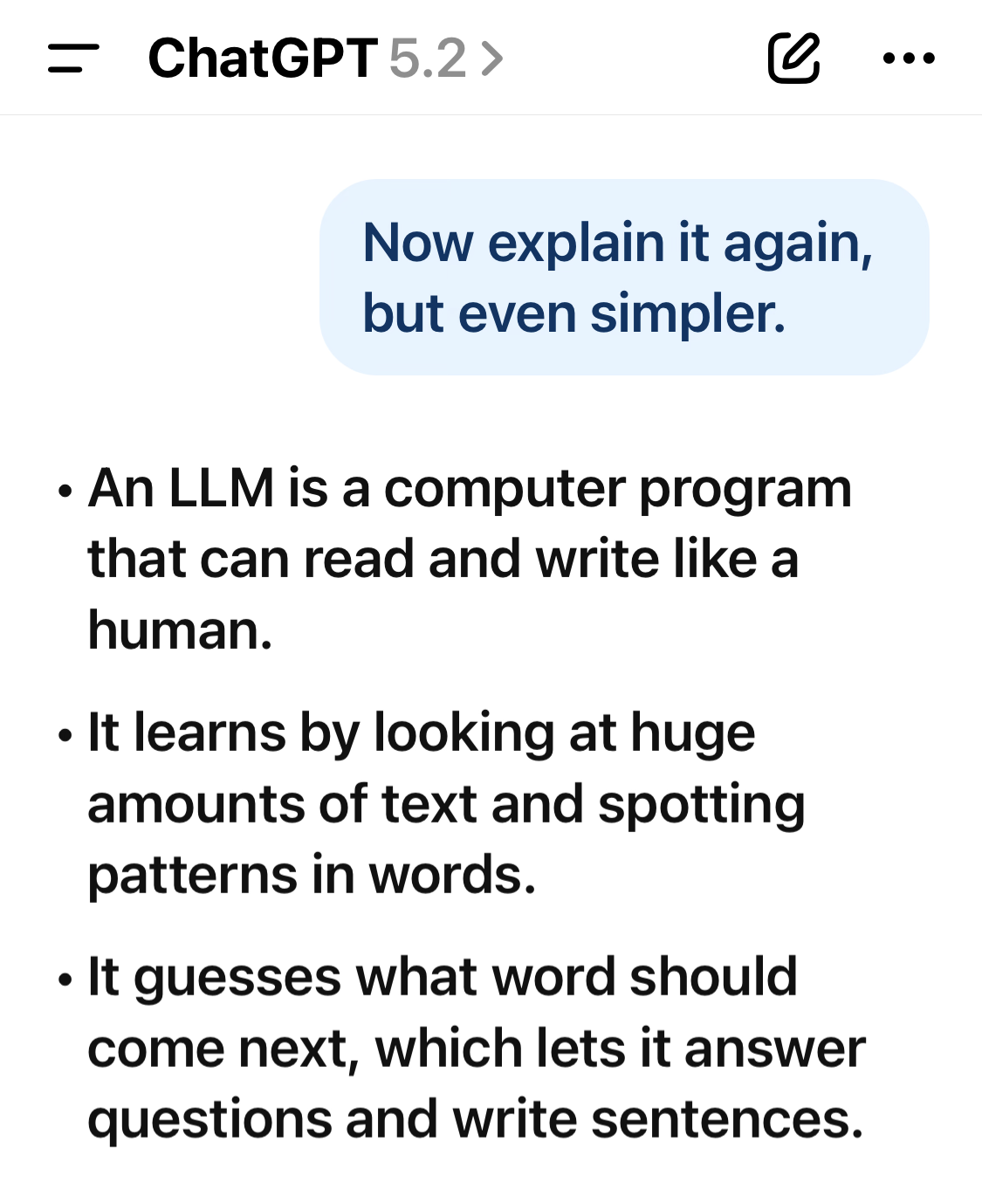
In simple terms, an LLM is a computer program trained on very large amounts of text. It learns teaches itself patterns in language: how words and sentences usually fit together, and how people usually respond to questions.
1.3 How an LLM makes an answer
When you ask a question, the model does not 'look up' the answer the way a person might open a book. Instead, it generates the next bit of text that is most likely to be helpful, based on patterns it learned during training and the context of your conversation.
Because of that, an AI can:
- write clearly and quickly
- rephrase things in different tones (formal, friendly, simple)
- summarise and structure information
- suggest ideas and options
- help you plan and organise
And it can also sometimes:
- guess details that were not provided
- mix up names, dates, or numbers
- invent sources that do not exist (this is sometimes called a 'hallucination')
- make a reasonable-sounding answer that is still wrong
1.4 What AI is great for (everyday wins)
For most people, the value of AI is not fancy science. It is small daily tasks that become easier.
- Writing: emails, text messages, letters, replies, summaries
- Explaining: confusing letters, forms, instructions, jargon
- Planning: checklists, schedules, shopping lists, packing lists
- Learning: simple explanations, study help, practice questions
- Organising: turning messy thoughts into clear dot points
- Brainstorming: ideas for meals, hobbies, gifts, travel days
1.5 What AI is not good for (and what not to use it for)
These tools can be helpful, but there are areas where you should be cautious.
- Medical advice (use it to prepare questions for your doctor, not to diagnose or choose treatment).
- Legal advice (use it to understand terms and prepare questions, not to decide legal action).
- Financial decisions (use it to make a budget spreadsheet or explain a term, not to pick investments).
- Emergency situations (call your local emergency number or speak to a professional).
- Anything that requires guaranteed truth in real time (prices, stock availability, flight gate changes).
1.6 The idea of 'context' (why AI forgets things)
AI does not have perfect memory. It mainly works with what you have said recently in the conversation, plus any memory features you have turned on (depending on the tool and settings).
Most AI systems have a limit to how much text they can keep in mind at once. This is often called the context window.
When you give very long inputs or keep chatting for a long time, older details may be summarised or dropped. That is why sometimes you need to repeat key details.
1.7 A beginner-friendly way to talk to AI
A good prompt is not fancy. It is just specific.
I want: [what you want].
This is for: [who it is for].
Important details: [facts the AI must include].
Write it as: [dot points / short paragraph / email / checklist].
Example:
I want: a polite email.
This is for: my electricity provider.
Important details: I am asking why my bill is higher this month. I want them to check if the meter reading is correct.
Write it as: a short email under 150 words with a subject line.
1.8 Practice (with training wheels)
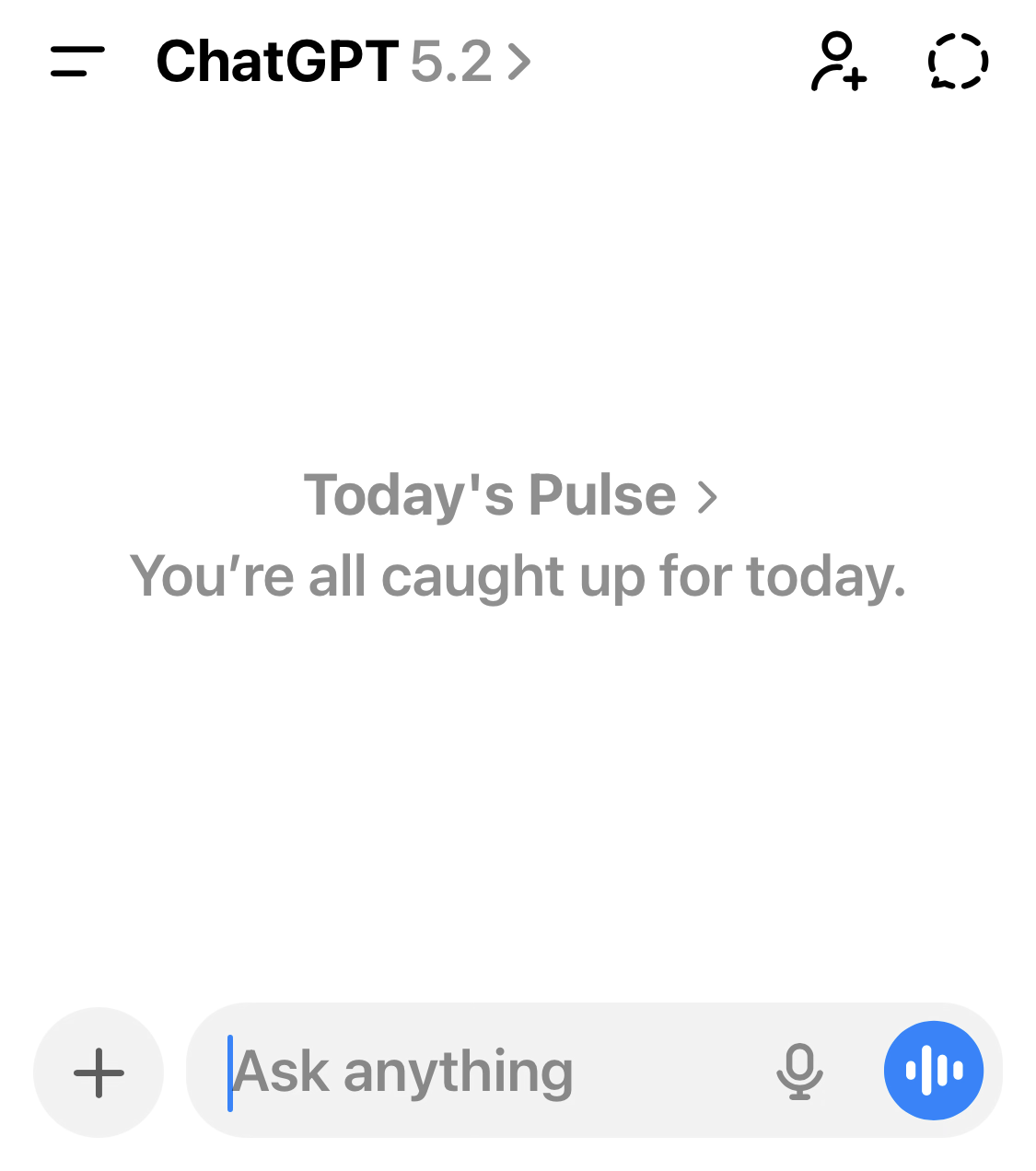
Choose one practice task. Paste it into ChatGPT or Gemini. Then do the follow-up step.
- Ask for a short answer: 'Answer in 5 dot points.'
- Then ask for a simpler version: 'Rewrite that in simpler words.'
- Then ask for a version you could send to someone: 'Turn that into a friendly message.'
Explain what an 'interest-only loan' is in simple terms. Then give one example of when it might be used.Write a polite text message to cancel an appointment because I am unwell. Offer two alternative days next week.Make a checklist for preparing for a GP appointment. Include what to bring and what questions to write down.1.9 Screenshotss for Module 1
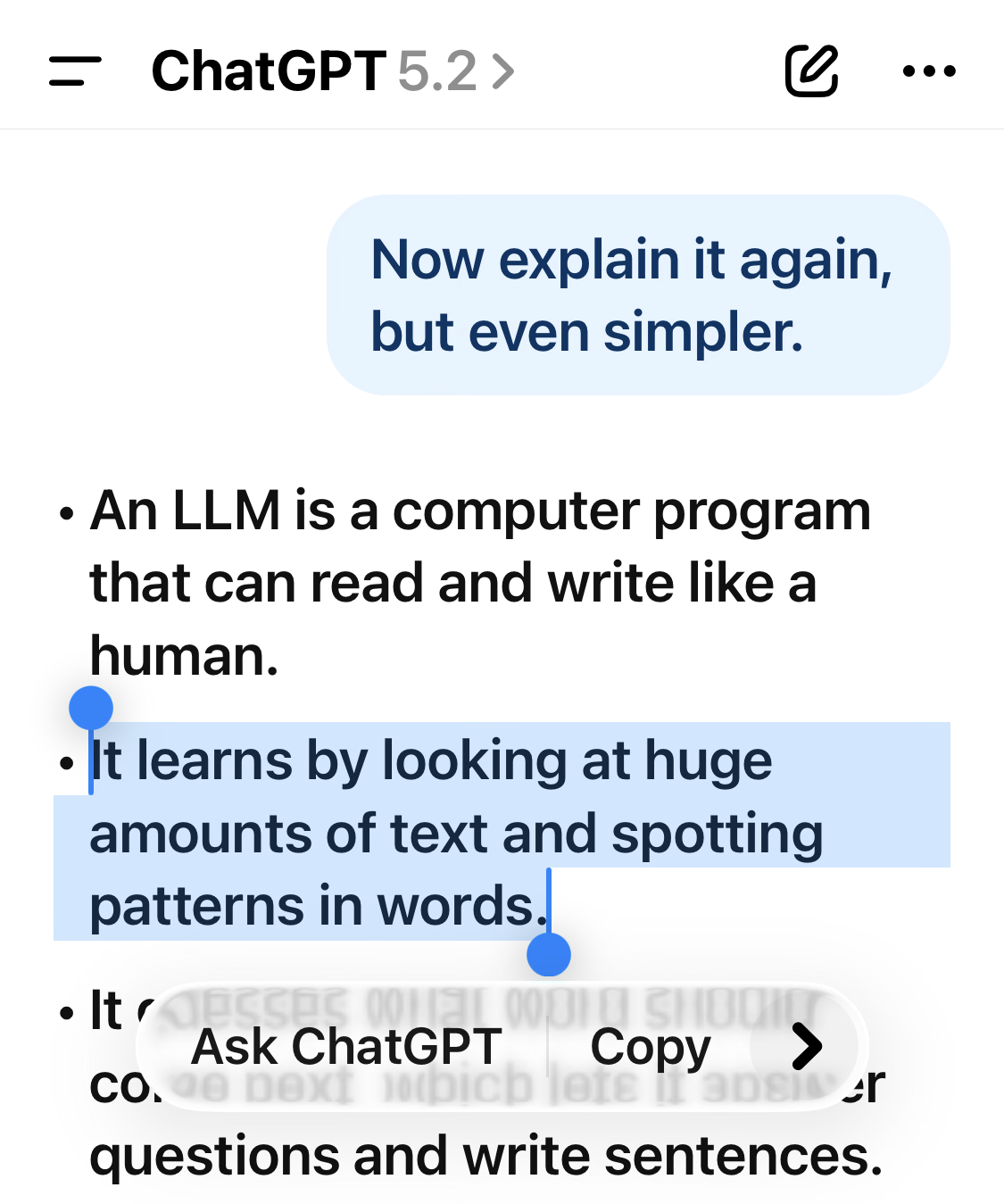
When you add screenshots later, these are the ones that help beginners most: